
affiliate
Discover products and brands
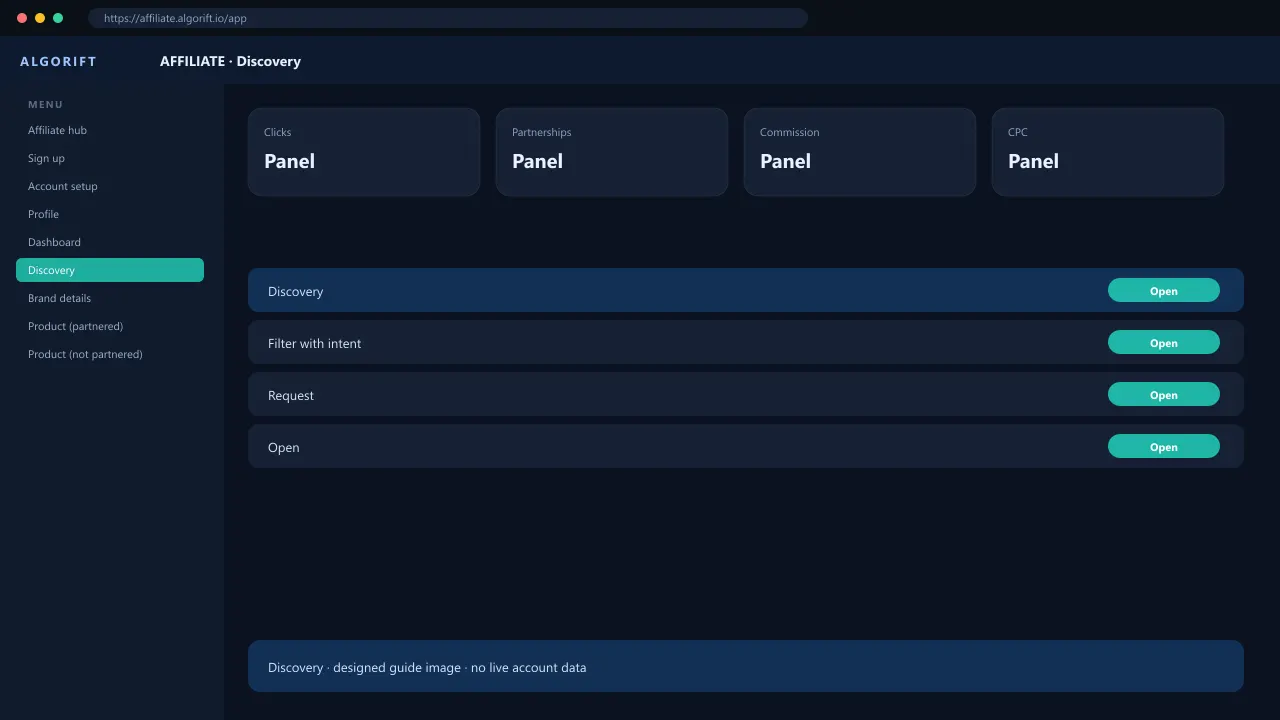
Discovery is the affiliate catalog of brands and products sellers have published. Search, open a card, and request. You cannot mint an AlgoLink before approval. This is not Amazon search and not wholesale offers. If a product is missing, the seller has not published it or Amazon Ads is not connected on their side.
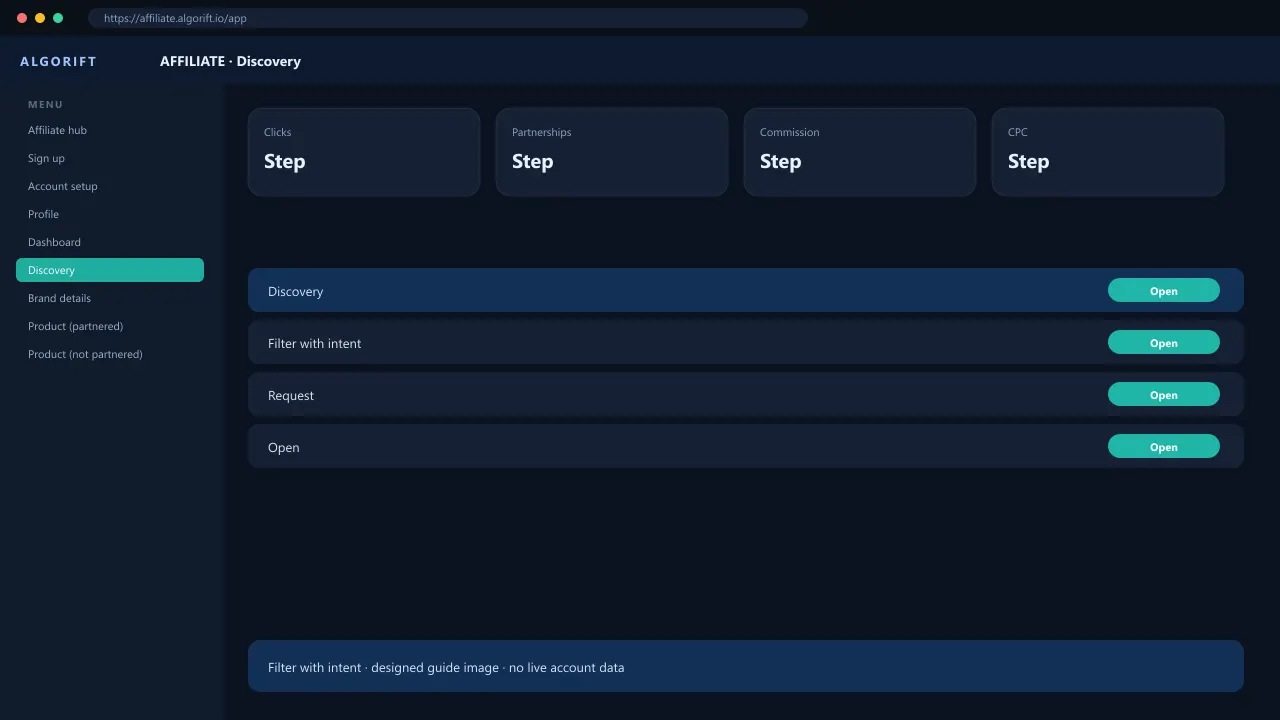
Filter with intent
Use category and commission filters. On Brands, Auto approval (in Filters, or the check icon beside bulk actions) lists brands that approve partnerships immediately.
- Open Discovery → Brands.
- Turn on Auto approval.
- Open a brand card.
Associates
Discovery → Associates is Amazon Associates products and tags. It is a separate program from AlgoLinks.
- Open Discovery → Associates.
Request
Request on the product or brand. The seller sees it under Partnerships.
Questions
Can I promote without a partnership?
Not for that seller’s commission. CPC and Expanded Partners have their own rules.