
seller
Use the seller dashboard
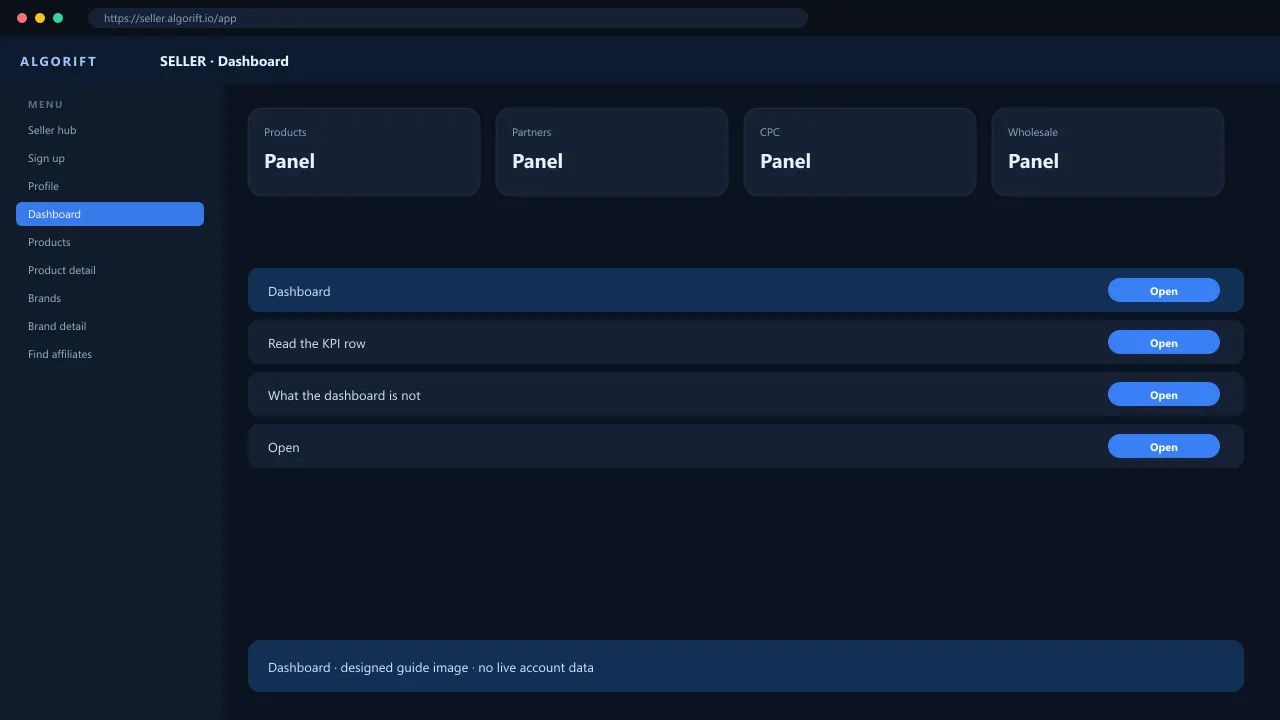
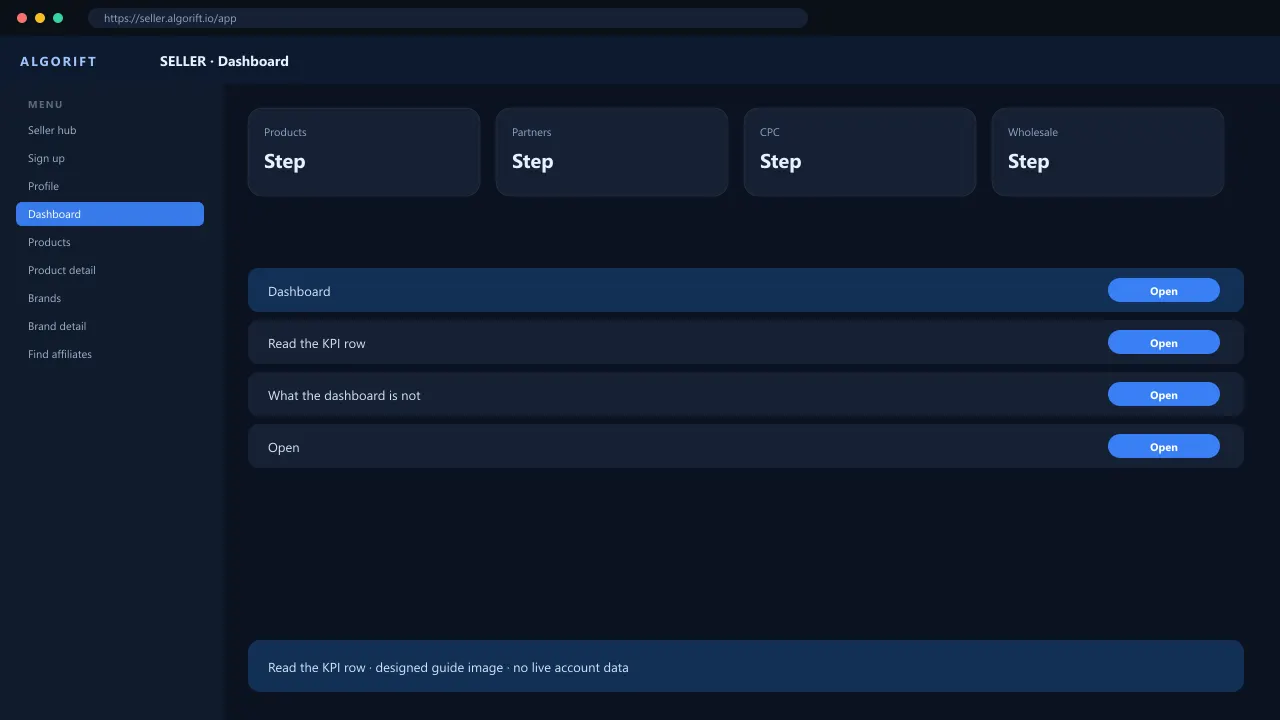
The seller dashboard is the home screen after login. The top cards are counts, not cash in the bank. Use them to jump into brands, products, and pending partnerships. If a card is zero, finish catalog and Amazon Advertising first. Do not treat this page as a payout statement; wallet lives under Payments.
Read the KPI row
Active means ready for partnership. Inactive means you turned it off. Locked means an admin hold after a policy issue.
- Open seller.algorift.io after login.
- Read Brands, Products, and Partnered affiliates.
- Click Pending if the number is not zero.
What the dashboard is not
Wallet balance, CPC spend, and wholesale contracts have their own pages. The dashboard does not replace Reports.
Questions
Why is a brand locked?
Admin locked it after a contract or policy issue. Open the brand row or contact support from Help.