
reseller
Use the reseller dashboard
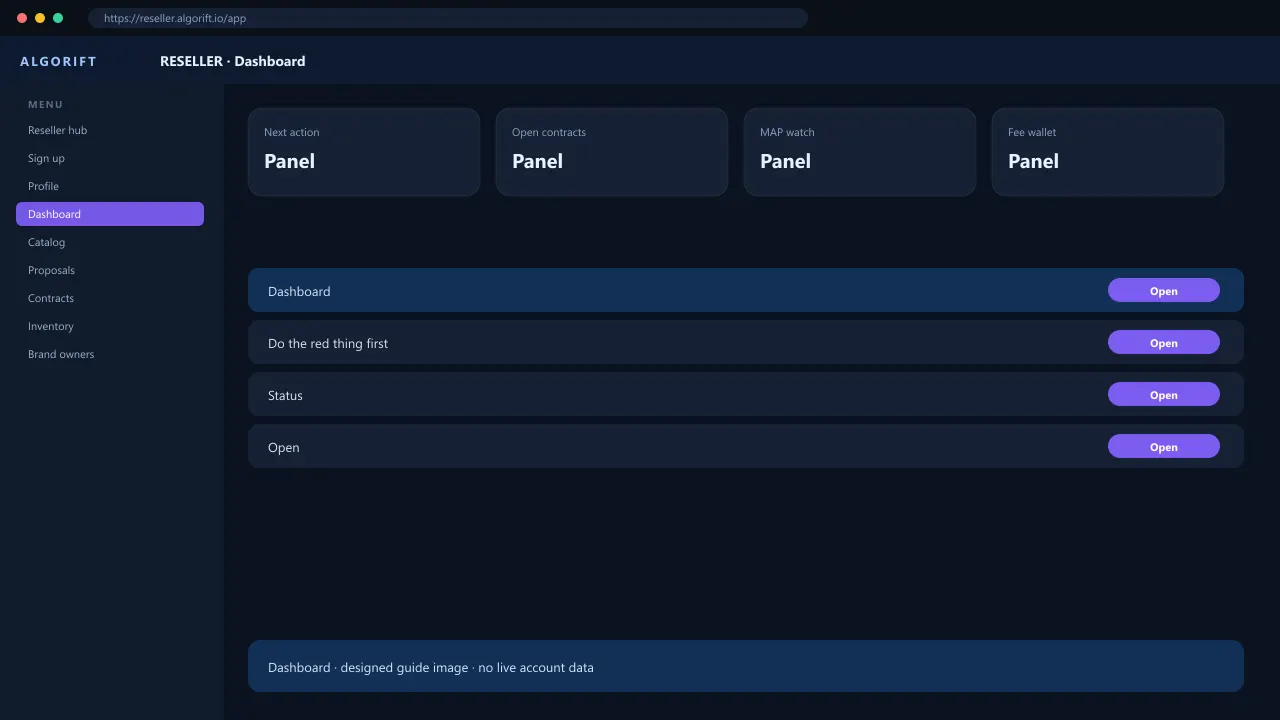
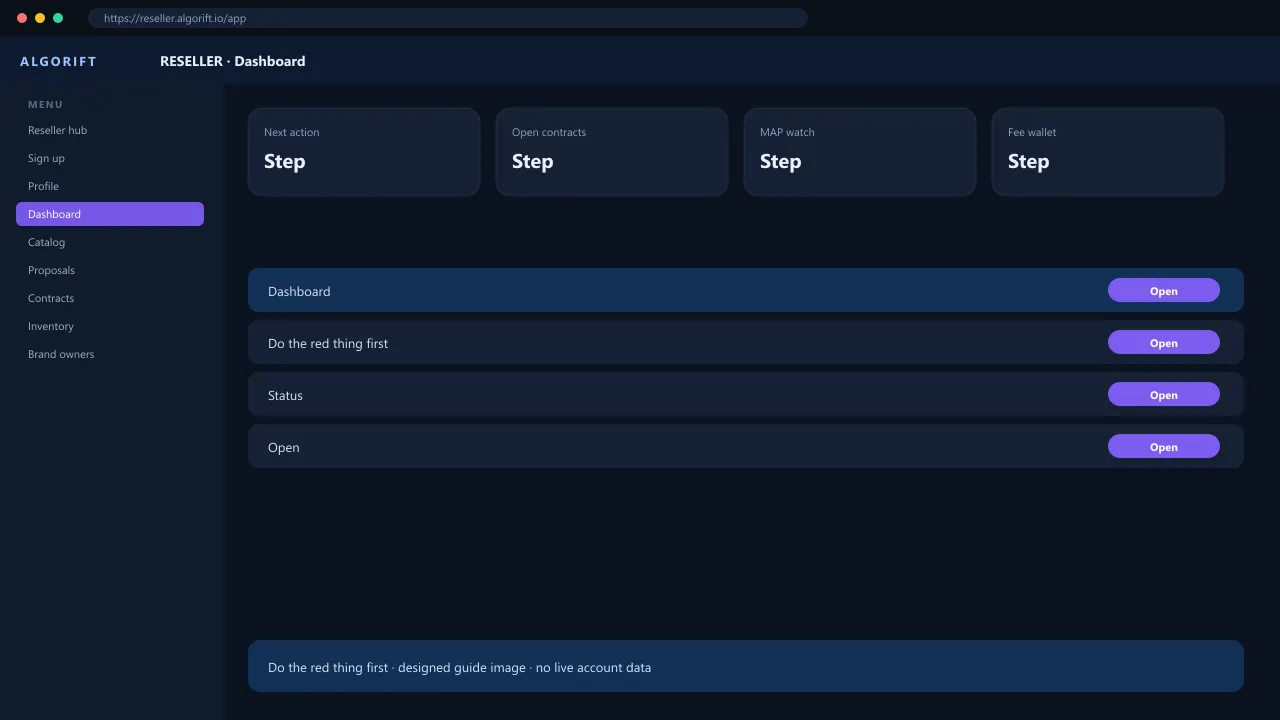
The reseller dashboard is a next-action list, not a stock chart by itself. It points at proposals, unpaid USD fees, inbound shipments, and listing issues. Open the matching screen instead of guessing from the card. Inventory quantity lives under Inventory. MAP warnings live under MAP. Do not pay goods to AlgoRift from this home screen.
Do the red thing first
Open the banner or card that names one job.
- Open reseller.algorift.io.
- Read Next action.
- Jump to that contract or proposal.
Questions
Why do I see dollars on a euro contract?
Goods stay in marketplace currency on the contract. USD is the AlgoRift fee wallet.