
Amazon Ads and Attribution
AlgoRift seller catalog and affiliate attribution depend on Amazon Advertising integration. Connect the account the brand uses for Sponsored Ads, complete OAuth, and wait for product sync. Broken or expired tokens stop new ASINs from publishing and can pause reporting. Reconnect from Integrations before you blame an affiliate link or a missing GMV row.
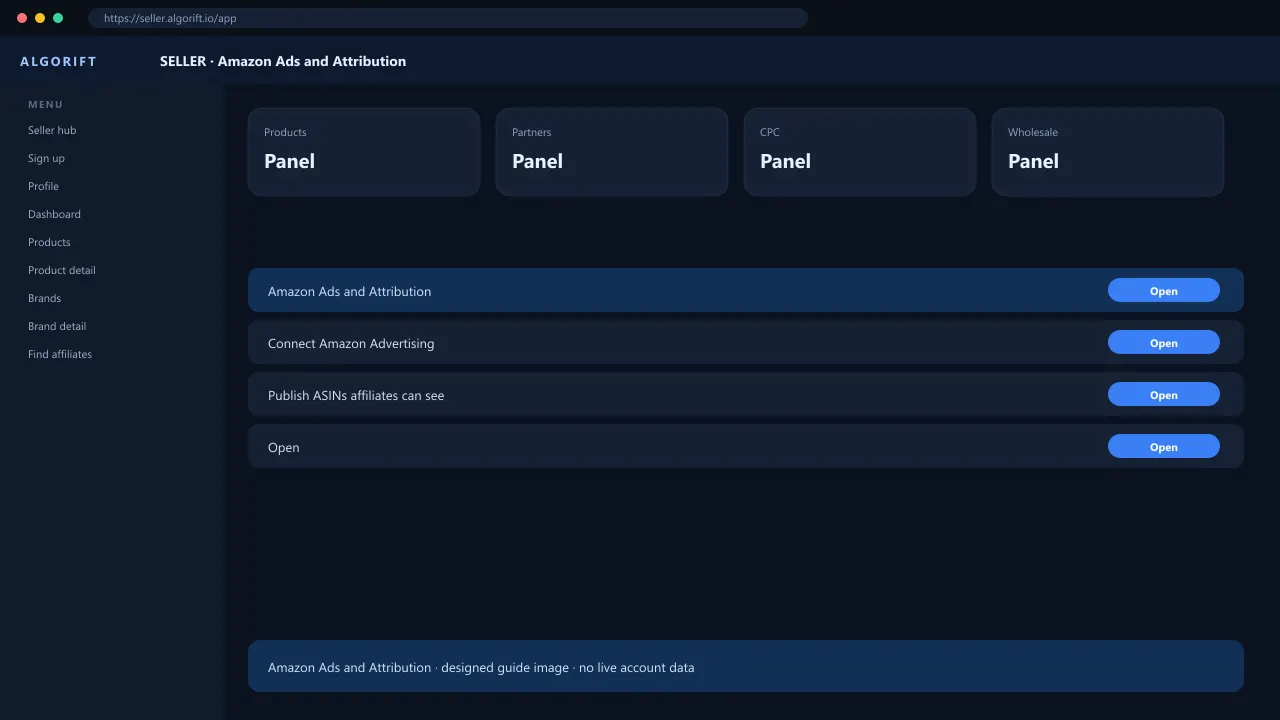
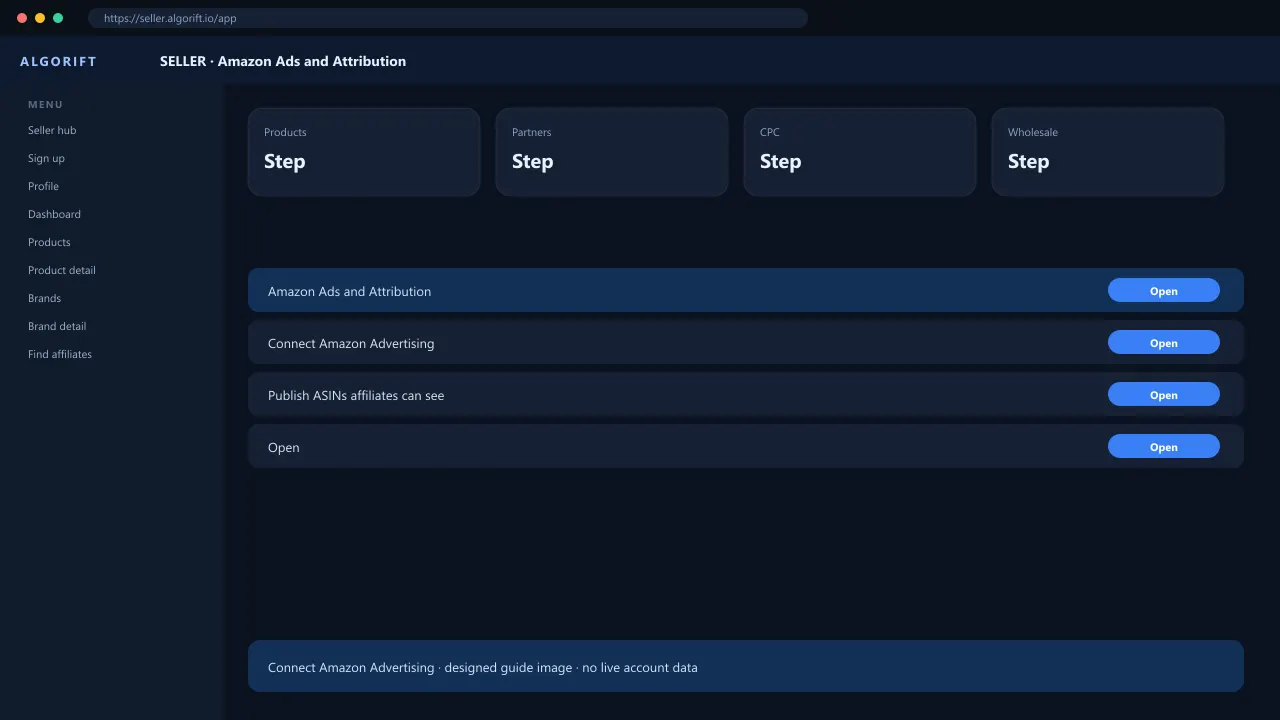
Connect Amazon Advertising
AlgoRift Amazon Ads integration ties your Sponsored Ads entity to My Products and Attribution reporting.
- Open Integrations on seller.algorift.io.
- Start Amazon Ads connect and sign in with the brand’s ads account.
- Wait for sync — refresh My Products.
Publish ASINs affiliates can see
Unpublished rows stay private. Commission must be set before Discovery shows a credible card.
- Open My Products.
- Set commission per ASIN or brand rule the panel exposes.
- Publish each SKU you want in affiliate Discovery.
Attribution reporting lag
Seller Reports fill after shoppers use AlgoLinks and Amazon reconciles — not same-hour for every sale.
- Open Reports with wide date filters.
- Compare one affiliate and one ASIN before escalating.
Fix broken sync
Expired tokens, wrong entity, or ASINs missing from the ads account break sync.
- Reconnect Ads from Integrations.
- Confirm ASIN in Seller Central for that brand.
- File Help with the error code if reconnect fails.
Questions
Is this the same as reseller SP-API?
No. Resellers use SP-API regions — see /reseller/integrations/.
Can affiliates sync products for me?
No. Seller owns Ads connect and publish.
Multiple brands?
Use Brands and My Products the panel provides — one ads entity may map to many ASINs.
Attribution zero after connect?
Wait for traffic on AlgoLinks — organic Amazon orders will not appear.