
Affiliate settings
Affiliate settings cover notifications and AlgoLink redirects. A bad redirect can drop attribution, so change it only when you know the click path. API Settings is where you create a key and copy the secret once. The language menu includes فارسی for this panel only. Stripe Connect lives under Payments. Change login email in the account email flow.
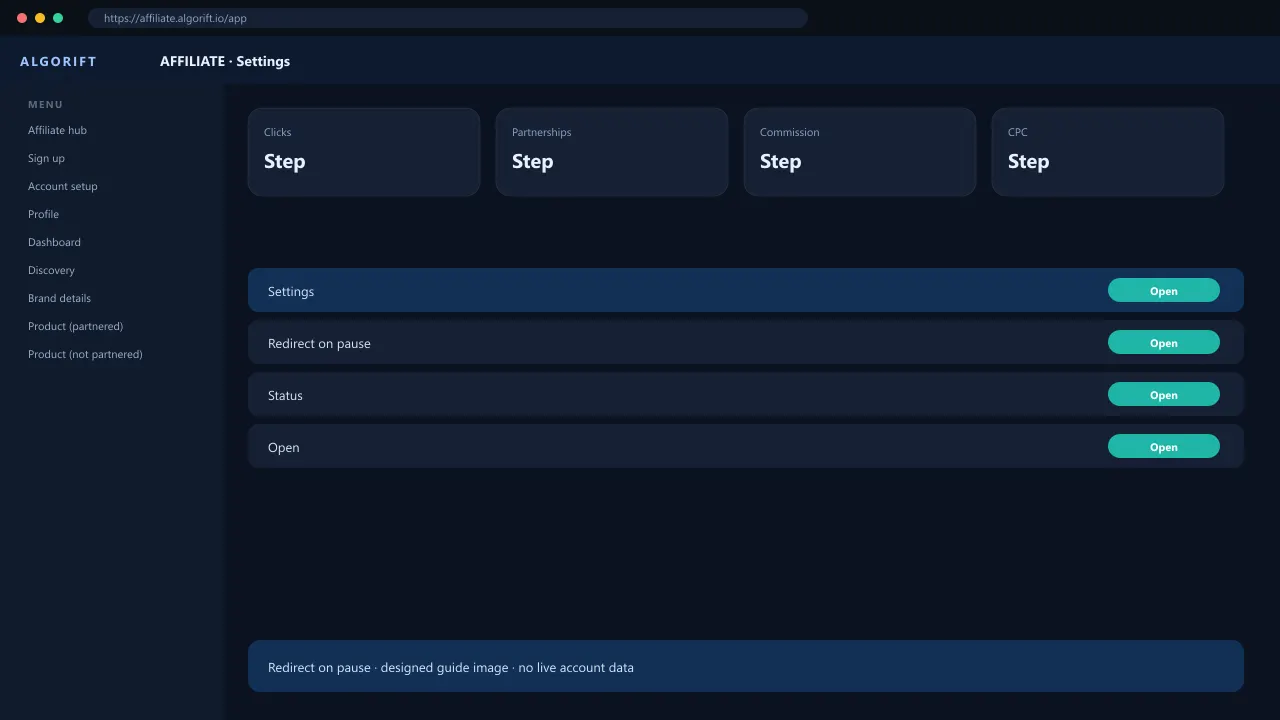
Redirect on pause
Pick a destination you control so dead links do not dump buyers on a 404 you did not expect.
- Open Settings.
- Find link redirect.
- Save profile or the documented fallback.
API keys
Open Settings, then API Settings. Create a key, name it, and copy the secret immediately — it is shown once. Send that secret as the X-API-Key header. Each key then lists requests, errors, spend, and the last call. A suspended or rejected account cannot create a key; email support@algorift.io. Endpoint reference: https://doc.algorift.io.
- Open Settings.
- Choose API Settings.
- Create a key and copy the secret.
- Open https://doc.algorift.io for endpoints and webhook signatures.
Language
The affiliate panel language menu includes فارسی. Choosing it sets the panel to Persian and right to left. English is in the same menu and puts the layout back on the left. Seller and reseller panels do not list فارسی. Amounts, ASINs, and dates stay in Western digits.
- Open the language menu.
- Choose فارسی.
- Choose English to return to the left-to-right layout.
Questions
Can I point paused links at a competitor?
Use the documented options. Do not hijack paused seller traffic.
Does فارسی change seller or reseller?
No. فارسی is only on the affiliate panel. Seller and reseller stay English and left to right.